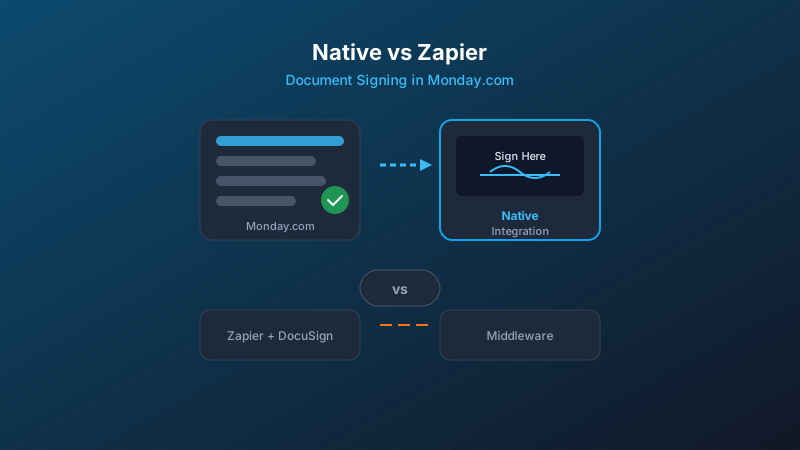
The two approaches
When monday.com teams need document signing, they typically land on one of two paths:
- Zapier integration. Connect monday.com to an external signing tool like DocuSign or PandaDoc via Zapier. When a status changes or a button is clicked, Zapier triggers a signing request in the external app.
- Native app. Install a document signing app from the monday.com Marketplace that runs directly inside your boards. No middleware, no external tabs, no Zapier subscription.
Both work. But they create very different experiences for your team and your signers.
What you give up with Zapier
1. You're maintaining a pipeline, not just a feature
A Zapier integration isn't a one-time setup. You're building a data pipeline between two systems. When monday.com updates their API, or DocuSign changes a field name, or Zapier has an outage, your signing workflow breaks. You won't know until someone complains that their lease was never sent.
With a native app, the integration is maintained by the app developer. It uses monday.com's SDK directly. No middleware that can silently fail.
2. Status sync is one-way (or fragile)
The classic Zapier flow: status changes in monday.com, Zapier sends a signing request, document gets signed. But getting the completion status back into monday.com requires a second Zap listening for webhooks from your signing tool. That's two Zaps to maintain, two points of failure, and a delay between signing and status update.
Native apps write directly to your monday.com columns. When a signer completes, the status column updates within seconds. No second integration needed.
3. Context switching kills efficiency
With a Zapier setup, your team lives in monday.com but manages documents in a separate app. They need to log into DocuSign or PandaDoc to check signing progress, resend documents, or view audit trails. That's two tools, two sets of credentials, and constant tab-switching.
A native app keeps everything in monday.com. Send, track, and manage documents without leaving the board.
4. The cost adds up fast
To run a Zapier plus DocuSign or PandaDoc setup, you're paying for:
- monday.com (you already have this)
- DocuSign or PandaDoc ($25 to $60 per user per month)
- Zapier ($20 to $50 per month for multi-step Zaps)
That's $45 to $110 per month on top of monday.com, often per user. A native signing app like DocRunner starts free and is $40 per month for unlimited documents. Total, not per user.
When Zapier still makes sense
Zapier isn't always the wrong choice. It makes sense when:
- Your team is already deeply invested in DocuSign and switching tools isn't feasible
- You need signing across multiple platforms, not just monday.com
- You're doing very low volume (a few documents per month) and don't mind the maintenance
But if monday.com is your operating system and you want document signing to feel like a built-in feature rather than a bolted-on afterthought, a native app is the cleaner path.
What native integration actually looks like
With a native monday.com signing app, the workflow is:
- Create a template. Upload your PDF, place signing fields (signature, date, initials, text), and map them to monday.com columns.
- Trigger from your board. Click a button or change a status to send the document for signing. Signer emails and names pull from your board columns automatically.
- Signers get a clean link. No account required. They open the link, review the document, sign, and they're done.
- Status syncs back. Your monday.com board updates in real-time: Sent, Viewed, Completed. The signed PDF and audit trail attach to the item.
No Zapier. No external app login. No wondering whether the integration is still connected.
Side-by-side: Native app vs Zapier
| Criteria | Native App | Zapier + DocuSign |
|---|---|---|
| Setup time | Minutes | Hours (multiple Zaps) |
| Ongoing maintenance | None | Monitor Zaps, debug failures |
| Status sync | Real-time, bidirectional | Delayed, requires 2nd Zap |
| Team UX | Stay in monday.com | Switch between apps |
| Signer UX | Simple link, no account | Depends on signing tool |
| Monthly cost | $0-40 (total) | $45-110+ (per user) |
| Failure mode | Visible in monday.com | Silent: Zap fails quietly |
Bottom line
If your team runs on monday.com and you're signing documents regularly, a native integration removes an entire layer of complexity from your workflow. You don't need Zapier as middleware. You don't need a separate DocuSign subscription. You don't need to debug why a Zap stopped running at 2am.
The document signing workflow should be as simple as changing a status column. With a native app, it is.